PUM Companion 2.8.x Release
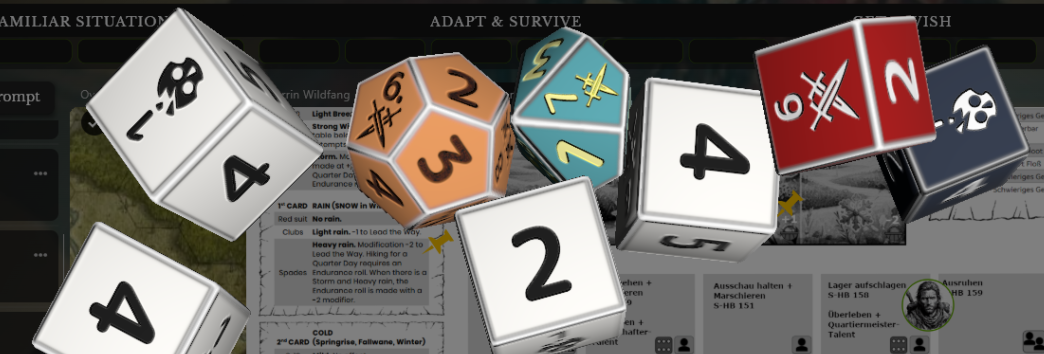
A new version is available for PUM Companion, which includes a massive amount of interesting and quality of life improvements! To mention a few, you might want to take a look at the improved 🔥 PDF extraction features, new 🔥 Random Table bulk management, Bundles of Tables, and 🔥 Custom 3D Dice Support (which needs some texturing skills by the way).
Plot Unfolding Machine rules updated to 🔥 PUM V9, including a new setting for configuring a chance to get “New Nodes” invocations among the random prompts (like it plays in the PDF version).
The 🔥 Plot Nodes panel receives an overview of characters and locations, as well as improvements to the search allowing you to 🔥 Search in Text as well as new widgets is something you might also not want to pass. And much more, so take a look at the changes down below!
For documentation of the app, I am reworking (step by step) the PUMC Online Manual here: https://unfolding-machines.github.io/pumc-online-hub – so here you’ll find detailed information about the various features, and very soon tutorials for creating your own 3D dice as well.
For detailed changelog check here 👉🏽 🔧|dev-log-activity
Many thanks to the amazing beta-testers for this release: @Seal , @Bedion , @Locke Hammerstein , @Squishyjellyfish The Promptsmith , and @Dr. Casey – The New Collector ! Though if anything is breaking, blame me 😅 !
Wouldn’t have been such a polished release without their crazy quality feedback about the new features.
Get the app
Windows/Linux: itch.io or Windows Store or DriveThruRPG
Android: Google Play Store
MacOS/iOS Apple App Store
Changes 2.8.3
Improvements
- Full screen editor for log input writing (toggleable)
- Added a slider control for Crystal focus mode transparency
Bugfixes
- Text layers in image editor won’t wrap unless specified
- Fixed button size issue when creating entities
- Corrected entites tab separation
- Corrected transparency in full screen editors
- Adjusted font size in some hint texts
- More reliable image sheet saving
Changes 2.8.2
Bugfixes
- Search for links only by name
- Fix switching to a tab highlights the tab
- Fix first switch already to show toggle last
Changes 2.8.1
Features
- Link entities with each other in journals with @
- Recall character names in the log input with @
- Full screen journal editor mode in entities
Improvements
- Dice Roller visual spacing and sizing adjustments
- Perform scan on exported bundles to avoid corruption
Bugfixes
- Removed redundant ‘Formula’ from dice roll details
- Fixed random tables not scrollable on mobile
- Fixed toolbar support for iPad 26 topbar conflict
- Rollback in Linux version for better Distro support
Changes 2.8.0
Features
- Gameplay: Upgraded gameplay rulesets to PUM v9
- Gameplay: Invoke “New or Choose Node in random prompts
- Random Tables: Bundle import and export of tables
- Random Tables: Support of Bulk Actions
- Plot Nodes: Show Characters and Locations in the Node panel
- Dice 3D: Added support community created 3D Dice Sets
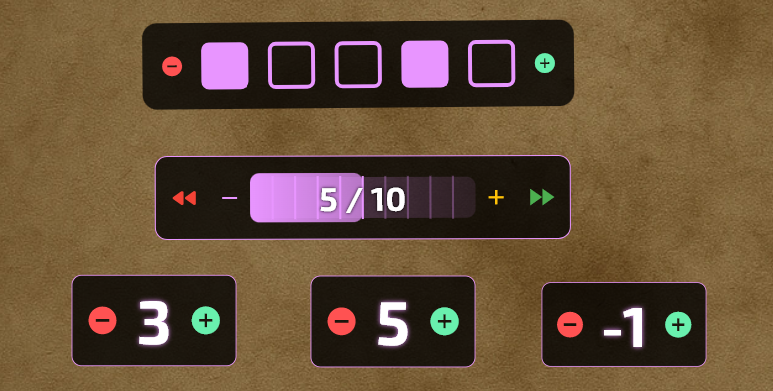
- Widgets: New Random numbers array with pool support
- Widgets: New Calendar/Time tracker widget in sheets
Improvements
- PDF Viewer: multi-page extraction
- PDF Viewer: combined-page setting
- PDF Viewer: improved search autofocus
- PDF Viewer: auto-zoom when changing layout
- PDF Viewer: Allow extracting to multiple characters
- PDF Viewer: Better spacing of the toolbar buttons
- PDF Exports: Players can add a signature to footers
- Analog Mode: Toggle Dice Roller visibility button
- Cinematic mode: Option to disable typewriter effect
- 3D Dice: Improved visual spacing on smaller screens
- Entities: Allow setting any image as a portrait
- Entities: Compendiums can now be created from a PDF file
- Entities: Can now import multiple pages from PDF at once
- Entities: List view now shows a draggable handle
- Entities: Filters are now saved and remembered in a game
- Search: Search text and across entities descriptions
- Log Panel: Timestamp formatting in log entries
- Log Panel: Setting to hide the section titles
- Log Panel: Increased height for input with keyboard open
Bugfixes
- Improved reliability of cloud save token session
- Fixed Rich Editor Ctrl+Home/End shortcuts
- Fixed Rich Editor format toolbar in Plot Scope
- Fixed Rich Editor text selection on mobile
- Fixed missing FATE dice models to dice packs
- Fixed markdown in random tables inline results
- Fixed missing mention of ::result:: in the docs
- Fixed editing and renaming random tables to not create a copy
- Fixed wrapping table classification to 2 lines
- Fixed stuck shortcuts when switching tabs and entities
- Fixed table results not applying markdown inline or from result entries
- Fixed rich editor formatting and selection issues on mobile
- Fixed dice roller icons with custom “icon” not picking up from beginning
- Fixed overlay-delete button deleting the wrong layer in image editor
- Fixed wrapping of table classification to max 2 lines
- Removed Download PDF button from rich editor toolbar

Related Posts
PUM Companion 2.10.x Update

PUM Event #3: Immortal Chicago
PUM Companion 2.9.x Update
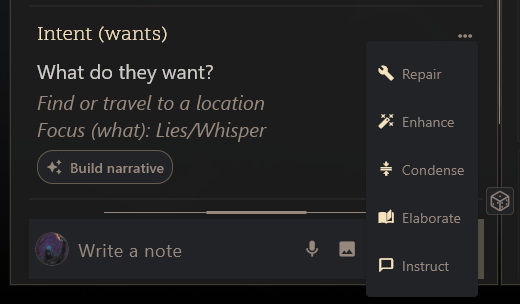
PUM Companion: AI Assistant 2.9.0 Release!

Plot Unfolding Machine 9.0 Released
PUM Companion 2.7.x Release
PUM Companion 2.6.x Release
PUM Companion Extra: 3D Dice
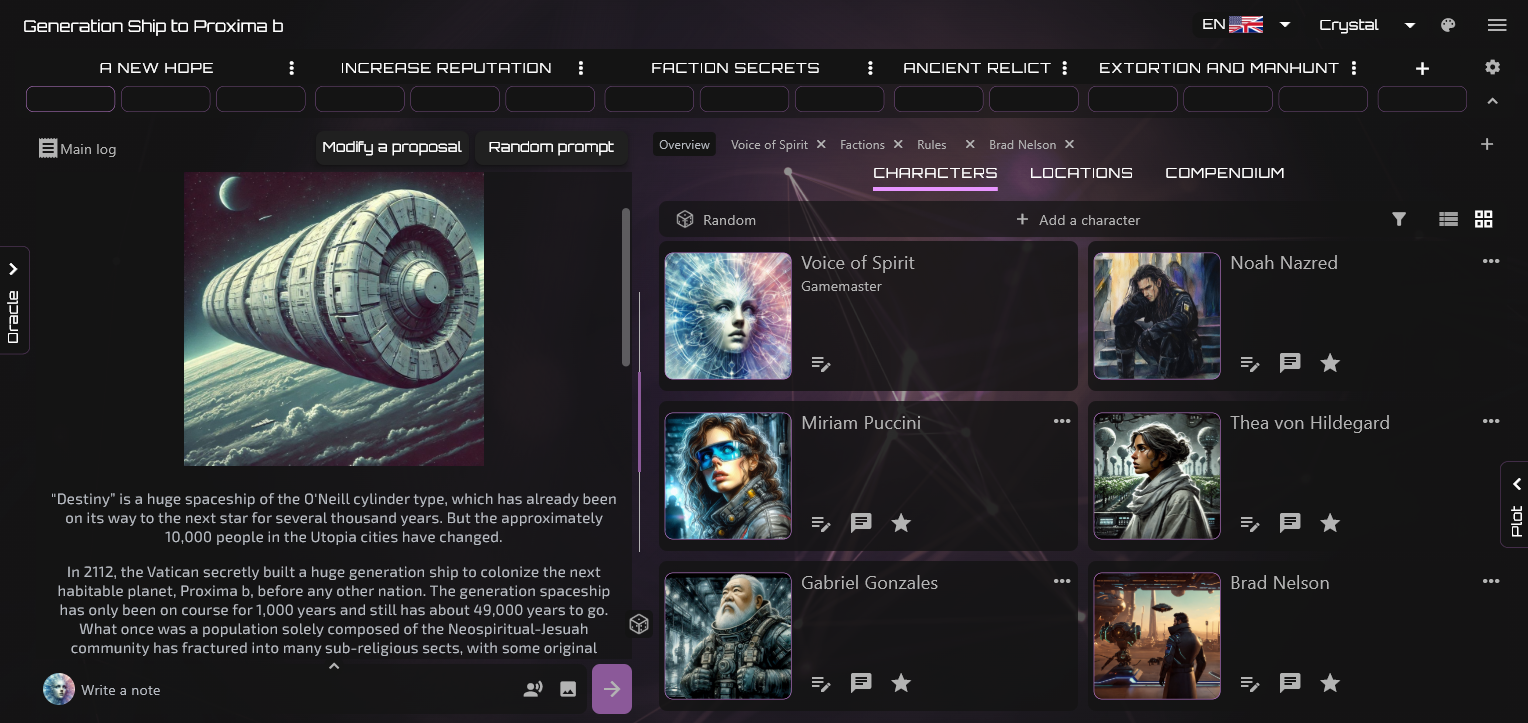
PUM Companion 2.5.x Release