PUM Companion: AI Assistant 2.9.0 Release!
This optional Addon introduces Large Language Model (LLM) integration into PUM Companion to empower the player and storyteller with AI, in their journey to develop fantastic stories using tabletop RPGs.
With the AI assistant, intelligent models can help you develop amazing scenes, NPC dialogue, new characters and locations, and support you making Solo RPG oracle interpretations, taking your game and player-seat experience to the next level.
Get the Addon here
🤖 Main features
- Your AI Playstyle: Configure the behavior of LLMs to your liking, by telling it about the system you’re playing, your writing preferences and style, your safety zone, and a consistent image generation style. PUM Companion will take care that the AI remains consistent and grounded to your game.
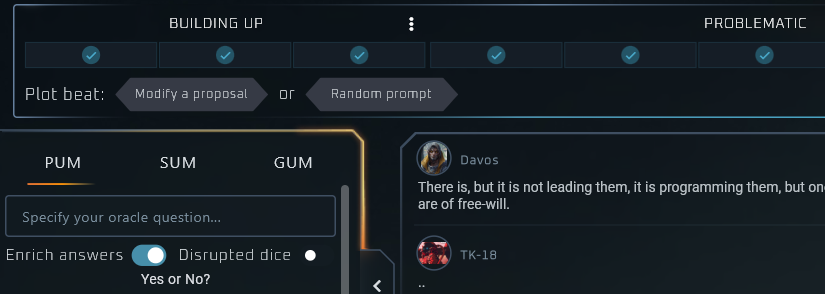
- Build Narrative: The AI can help you interpret oracles, plot beats, random table results and dice rolls.
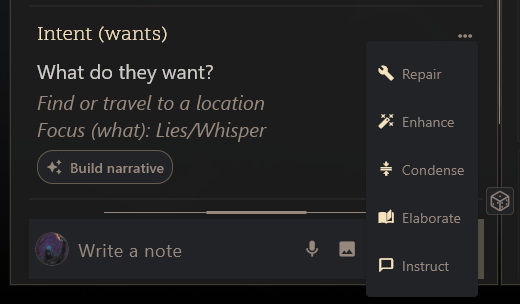
- Writing Assistant: You can spell-check, improve your grammar, elaborate further text, rephrase it, or give a concrete writing instruction.
- Answer Directly: Instead of asking a question and pulling off an oracle, you can directly ask the AI to answer your question, leveraging oracles by itself and directly providing you with a narrative follow-up.
- AI Discuss: You may get into a dedicated discussion with the AI about your ongoing game, brain storm ideas, ask about RPG mechanics, and more.
- Entity and Plot Nodes creation: You may create characters, locations, compendiums, and plot nodes automatically. The AI will leverage your specific game details.
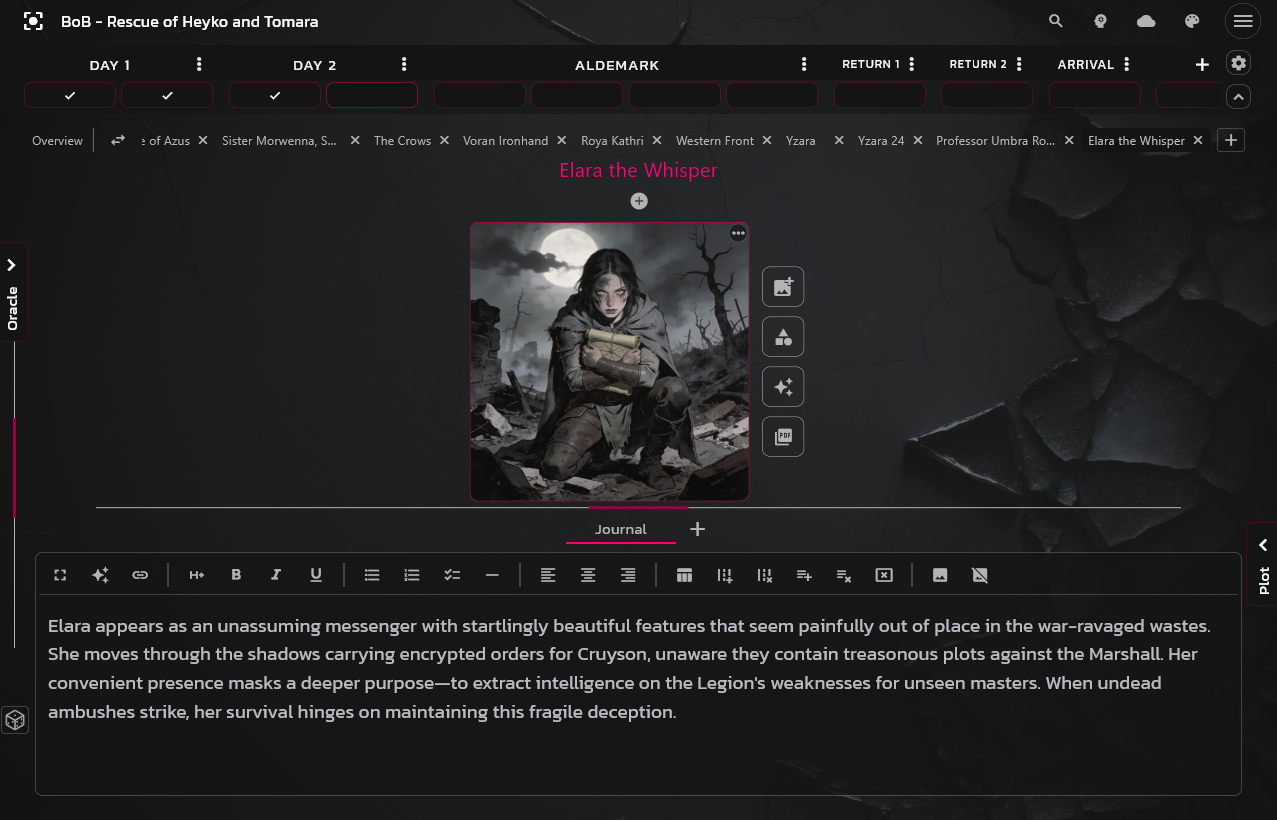
- Image Generation: Create characters and locations directly with their portrait and scene images, as well as Plot Node images and Game Concept images. PUM Companion takes care of preparing them according to your game style.
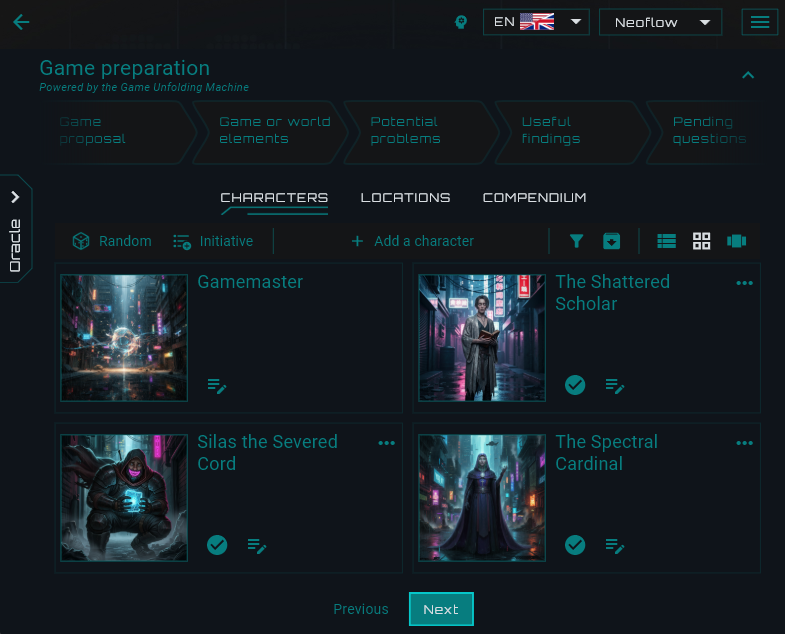
- Draft a Game: You can create entire games from scratch using AI and provide your own preferences, then review the draft to customize it further yourself.
- Advanced Mode: AI techie yourself? Plug in your own Ollama or ComfyUI models and hack-plug your offline models with ease.
Usage Documentation (WIP)
Join us on Discord to chat!
Important Information
- Connect with your favorite provider: The AI Assistant does NOT bring its own AI Service into PUM Companion. YOU (the player and user) are to CONNECT your OWN (OpenAI, Google, OpenRouter, etc.) account into the app, through the utilization of API Keys.
- You are responsible for your spending: Connecting your Google Gemini or OpenAI accounts, for example, will incur costs that depend on which model you make use of, and PUM Companion will leverage this service to assist you in your storytelling.
- No behind-screens operations: It is important to clarify that PUM Companion WILL NOT make use of your connected AI Account in the background or silently. EVERY single feature is TRIGGERED by human interaction. You can monitor this yourself throug your provider’s activity dashboard.
- How does it work?: Think of PUM Companion AI Assistant as “the brain”, where the LLM provider is the “Muscle”. The app will orchestrate the use of AI to assist you in your story, specifically grounded in your universe and current events.
- Prior knowledge: Basic familiarity with AI providers, LLMs, and image generation is advised to know how to request APIs from the providers, and how to measure costs and spending. No technical expertise is needed, except for the advanced settings.
- How much will it cost: During the beta, testers reported spending less than $0.30 in about two weeks using cheap LLM models from OpenAI and OpenRouter. Other AI-savvy testers wished to use more expensive and creative models (i.e. Claude and Gemini Pro) and reported spending up to $2 in two weeks during intense experimentations. Free-tier accounts may be used, and there are ways of using LLMs virtually for free, using less-intelligent LLMs. PUM Companion offers various settings as well to tweak usage.
💰 Costs & Access
- Separate Service: Please note that personal AI subscriptions (like ChatGPT Plus, Gemini Advanced, or others) are necessary to make use of the AI Assistant.
- Access and Data: You share your data with such a 3rd party provider and pay for their services. Internet access is needed for this to work.
🧠 No Experience Required
- Talk Naturally: To deal with AI in your stories, you don’t need to be a tech-expert. Just describe what you want in plain English to the instructions and let the assistant flow naturally in your game.
- Be the Guide: Think of the AI as a creative intern. The more context you provide, the better the “draft” it creates for you.
⚠️ Reality Check
- AI Can Make Mistakes: AI models are statistical engines, not “truth machines.” They can occasionally “hallucinate” (confidently state facts that are incorrect).
- Verify Results: Always double-check important information, especially regarding legal, medical, or financial matters.
- No “Conscience”: The AI does not have feelings, beliefs, or a real understanding of the world. It processes patterns in data.
🔒 Privacy & Safety
- Sensitive Data: Your game content is shared with the provider you make use of on a need-basis. You are yourself responsible for what your game contains.
- Data Usage: NOTHING happens on the background in PUM Companion. Every single AI function trigger on user input. There is no “secret” functionality behind the screen. i stand for transparency as a very high principle.
My stand on AI
I see LLMs, Stable Diffusion, and “AI” terms only for its technology meaning. I do not wish to engage in political, moral, or ethical discussions, as this is a matter bigger than me.
AI is a tool and overusing or misusing it is as bad as it is positive to learn to use it properly and measure a balanced approach to it. Here, it can assist us with writing and getting unstuck in our storytelling, brainstorming, and enhance our learning skills. Nothing more, nothing less. But knowing about its misuses, risks, and energy impact is essential. Use AI responsibly!
AI in PUM Companion
PUM Companion has been designed from scratch without AI. No AI-generated assets are included or bundled in the software. Maria Ciccarelli (my wife) is the person to be thankful for, as a product designer, helping me shape the software as we see it today. Jeremy Franklin is the build-up architect.
Translations have been contributed by the Community, and as much as I use google and translation services myself, I suppose they do. It is not unlikely that there was utilization of AI in assistance with translation and programming.
Supported Providers
The following providers are supported:
- OpenAI
- Google Gemini
- OpenRouter
- HuggingFace
- Replicate
- Ollama
- ComfyUI
- Other (any OpenAI-Compatible)
Users are expected to understand the risks and costs involved in utilizing these provider services and are themselves responsible for its provisioning and monitoring. PUM Companion leverages the provisioned models to assist the players in their own story and takes the role of being “the brain”, while the LLM model is “the muscle”.
How to activate AI Assistant
To activate the AI Assistant extra, launch PUM Companion and enter the Extras menu, by either pressing the Extras indicator in the game’s dashboard, or opening the top-right menu.
Once you activate the AI Assistant, the next thing you need to do is go to:
- Settings
- AI Assistant (tab)
- Consent and toggle “Activate AI Features”
In this window, the PUMC user inserts their own API Keys, to enable PUM Companion to leverage them for storytelling purposes.
Next, open a PUM Companion game as usual, and you will find towards the top right, an AI Settings button that opens a Game Specific AI setting. In here, you configure the behavior of the LLMs in this specific game.
Players can influence the behavior of the plugged in models by indicating information about the game being played, writing style preferences, and image creation preferences (if an image model has been provisioned).
On top of that, the Plot Scope takes a predominant role in letting the AI know what is important in this current game and story being played.
PUMC Extras – Typical Questions
What are extras for PUM Companion?
• Optional paid features to expand the functionality of the app
• They help keep the app alive and its continuous development
• They cover features that were not originally planned or related to PUM itself
Do I have to buy them for every platform?
• For Google Android, they can be officially purchased through the Play Store.
• For Apple, only the Apple Store purchase counts.
• For Windows, Linux and Android, the itch.io serial number can be used.
How do I activate Extras?
At the Main Menu, click the Extras icon at the top, or open the top-right menu and click “Extras”.
Using the Apple or Google devices are linked to the in-app purchase stores, press “Buy” in the selected item, and validate your purchase seamlessly. They will then auto-activate once enabled.
If you purchase itch (for Windows, Linux, Android only), you receive a Serial Number from itch. Keys will be distributed to a purchaser when they first click the request key button on their purchase page. Insert your itch.io email address and the received serial number, then press validate. If you purchase more than one extra, they must all come from the same email address to be valid.
IMPORTANT: Itch.io keys only work in Windows, Linux, and Google devices. Apple is restricted exclusively to the Apple Store.
Do Extras expire?
No. Purchase once, yours forever. Just like PUM Companion. Activations remain valid for 7 days while offline.
Are Extras finished and finalized?
No. The extras features will also receive improvements and sub-features over time. Their price may change if they increase in value, so early-purchase may be a good idea.
Will every feature from now on be a paid Extra?
No. The app will continue to receive features and improvements, and the paid features will only help make that real. The better it goes, the better the app gets.
Do Extras require internet connection?
To activate them, yes. Once activated, you may use them for a period of 7 (seven) days offline, then the app will re-validate the purchase.
Have fun!!! That’s what we’re here for 🙂
JeansenVaars and the Unfolding Machines

Related Posts
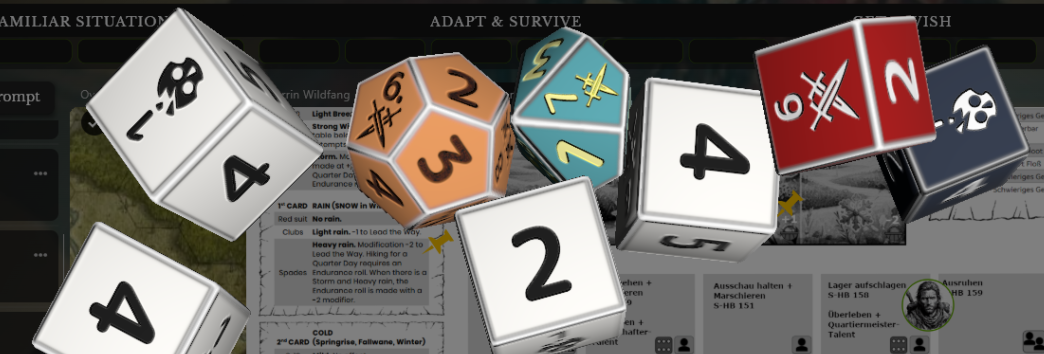
PUM Companion 2.8.x Release
Plot Unfolding Machine 9.0 Released
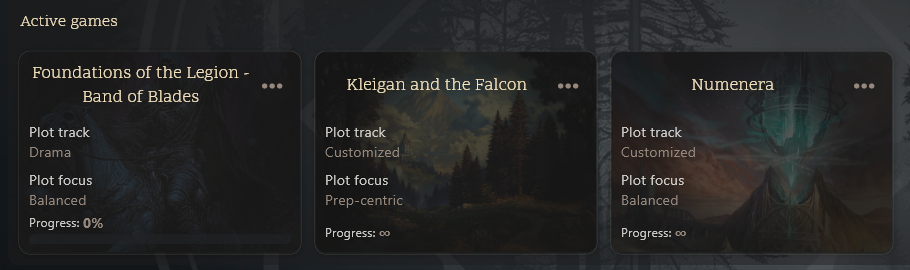
PUM Companion 2.7.x Release
PUM Companion 2.6.x Release
PUM Companion Extra: 3D Dice
PUM Companion 2.5.x Release
Builder Widgets – an Extra for PUM Companion
Crystal Theme – an Extra for PUM Companion
PUM Companion 2.4.x Release