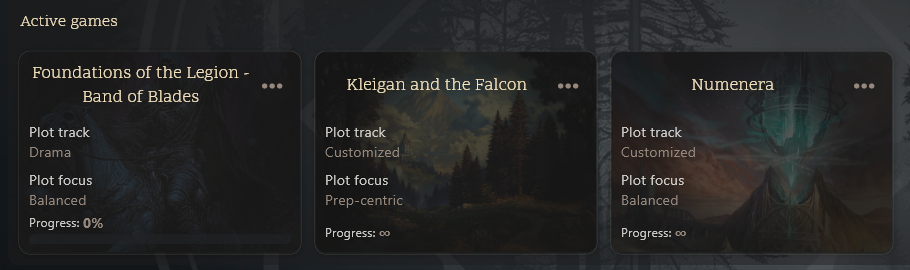
PUM Companion 3.1.x Release
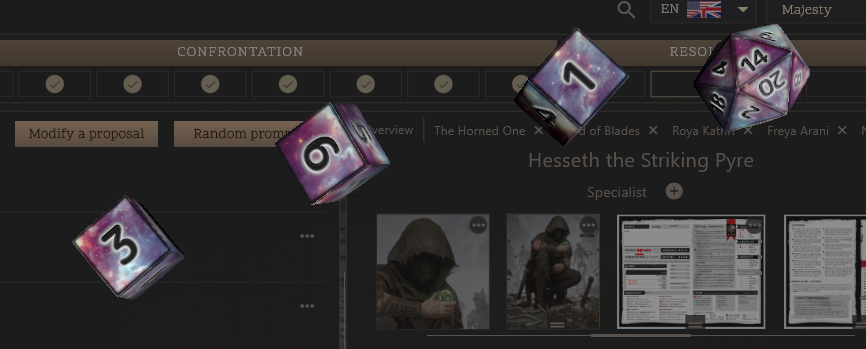
Dear Solo RPG players and tabletop RPG enthusiasts! The PUM Companion app for world building and storytelling kicks in with a new major update v3.1.x which brings incredible new features, TLDR:
- Play Co-op with other real players! The app is no longer only-solo, it’s multiplayer too!
- Crystal Theme visual effects, theater of the mind, and daydreaming modes
- Builder Widgets can be now used within text journals
- Decks & Cards allows playing cards in hands and with selectable non-random cards
- Included journaling panel in the World Building mode for progress
Here’s a quick look into the new Coop Multiplayer mode:
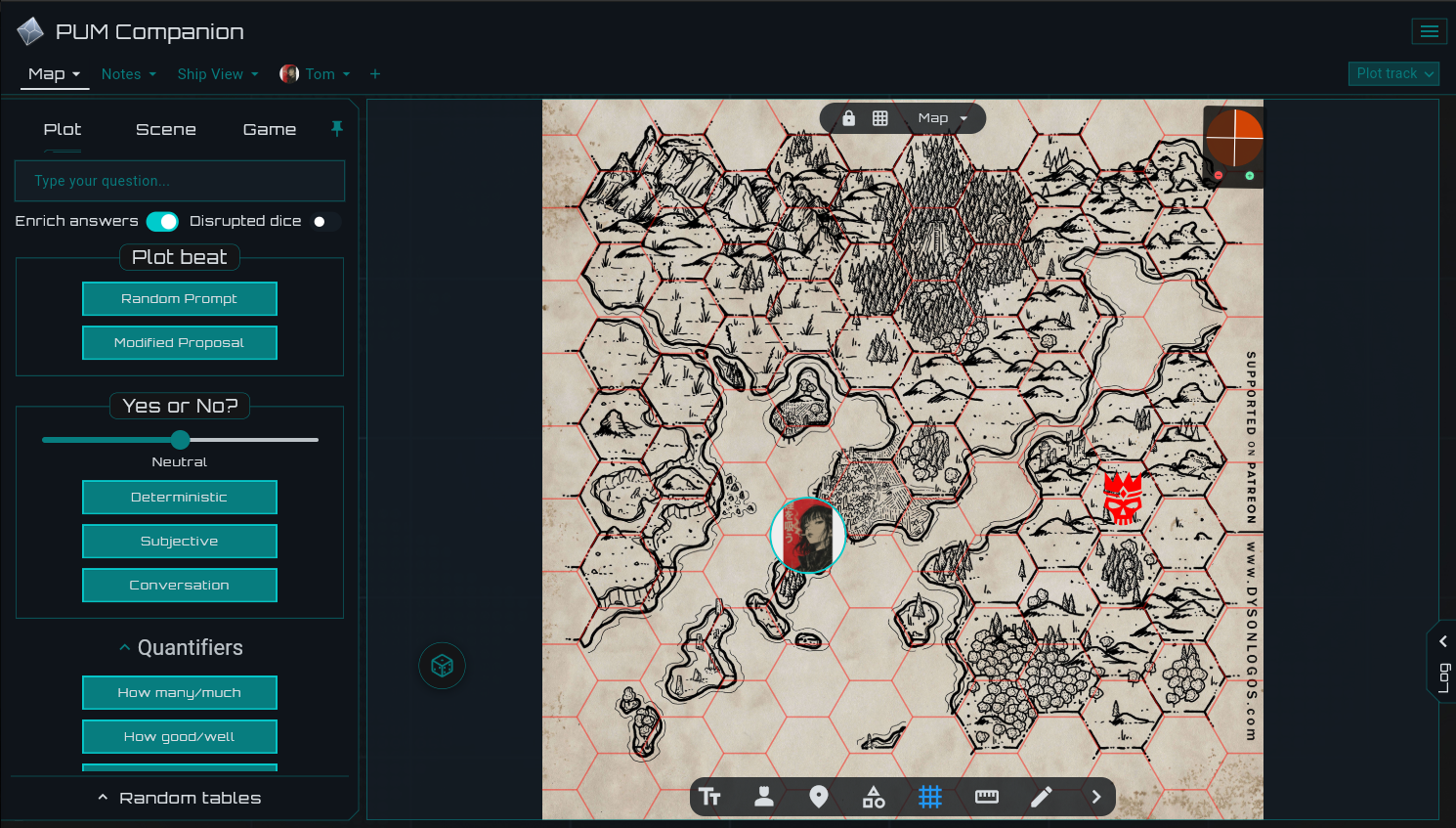
This is a massive update, and starts to show how much the app can expand into new horizons since version 3!
Enjoy, keep the hobby rolling, and recommend PUM and the app if you’re enjoying it!
3.1.2
Bugfixes
- Fixed bad interface in world building entity view
3.1.1
Bugfixes
- Added expandable journal entries in world building
- Fixed cloud sync not able to download recoverable saves
- Fixed cloud sync sometimes not detecting newer saves properly
- Fixed clearing out daydreaming mode when switching out of crystal
- Better conflict resolution on cloud sync games made from same copies
- Better edge smooth transparency on crystal theme scrollbars
- Improved robustness in partial/disconnected uploads
- Clearer workflows for reconnecting stories to worlds
- Remember filters when navigating folders in world building
- Allow for individual cloud sync checks from the main menu
3.1.0
Features
- Multiplayer Co-op mode for Group and Play-per-Post playing
- Insert Builder Widgets in-line on text rich editor journals
- Decks of Cards now support “in-hand” and “selectable” playstyles
- Crystal UI “Theater of the Mind” and “Daydreaming” modes
- Crystal Theme visual effects, rotating backgrounds, and custom fonts
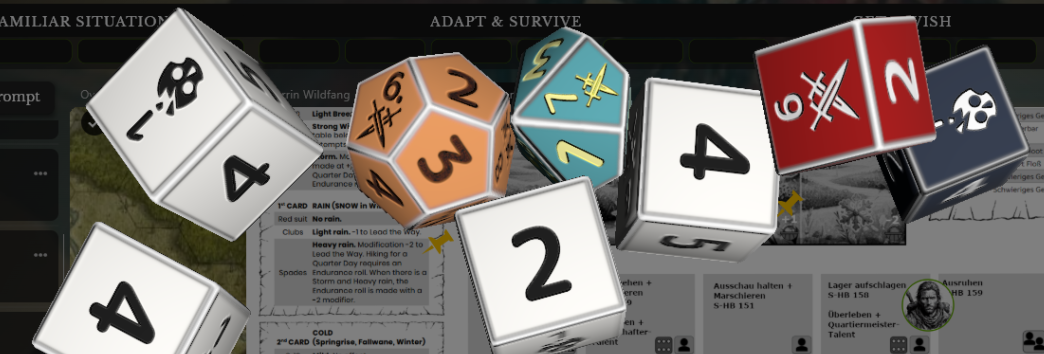
- New design for the 2D Dice Roller and dice roll entries
- World Building mode now supports a log panel for quick journaling
- Guided Setup mode now supports a log panel game preparation
- Play without PUM rules now possible as configurable per game
Improvements
- Pin rollout panels permanently instead on based on screen width
- In-game split screen now slides both ways entirely
- Speed up Cloud Sync downloads especially on first time bulk requests
- Guided Setup screen has now dedicated mobile interface
- Guided Setup allows ideas generation for characters and locations
- Better controls for drawn cards to the log (copy image, send to)
- Builder Widgets now support opacity and color settings on images
- Plot Tracks may be changed mid-progress in-game (retains progress)
- Main menu and world building modes allow repositioning images
- Image editor allow double-click to edit text and Ctrl+Enter to submit
- Less restrictions when moving, editing, and changing entry logs
- Can now import plot nodes from sibling stories of same world
- Can now read World Building journals from the Gamemaster in-game
- Font Scaling now reaches more places in the app text sizes
- Gamemaster initials token will use standard GM, DJ, SL, etc.
- Custom 3D dice packs can optionally ship icon2d for 2D icons
Cheers and regards,
JeansenVaars

Login
0 Comments
Oldest
Related Posts
PUM Companion 3.0.x Release
PUM Lite – Free Solo RPG App
PUM Companion 2.11.x Update
PUM Companion 2.10.x Update
PUM Event #3: Immortal Chicago
PUM Companion 2.9.x Update
PUM Companion: AI Assistant 2.9.0 Release!
PUM Companion 2.8.x Release

Plot Unfolding Machine 9.0 Released